

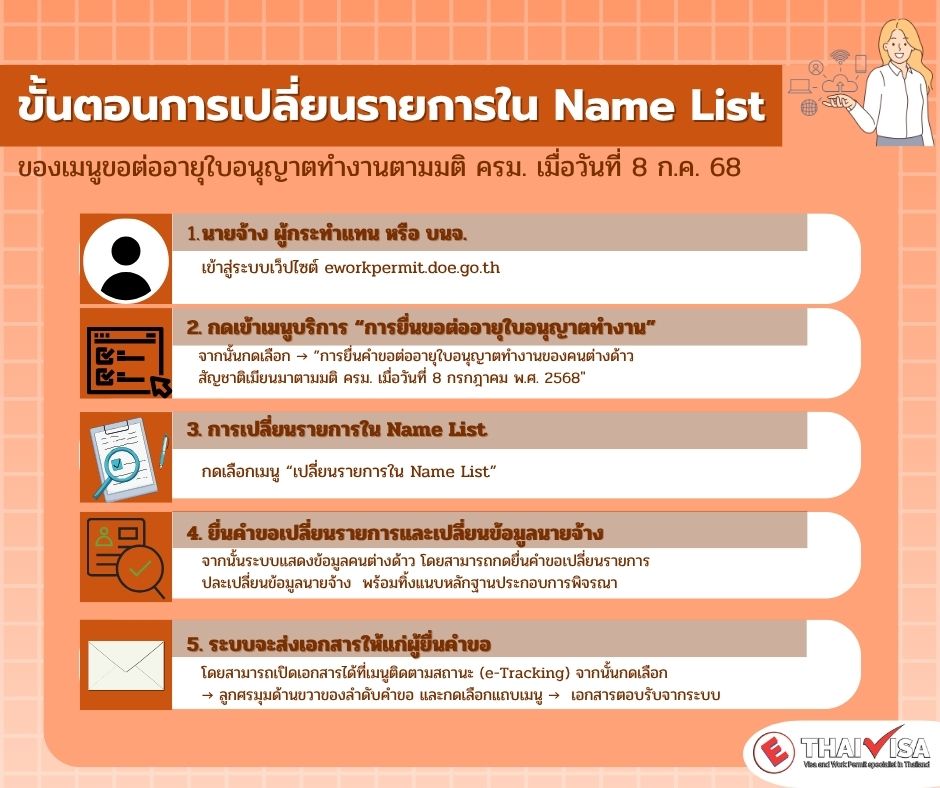
Steps for modifying items in the Name List
📢 Applications Now Open!
Steps for “Changing Items in the Name List in the Menu for Renewal of Work Permits for Myanmar Nationals under the Cabinet Resolution dated 8 July 2025 (Form BT.33)”
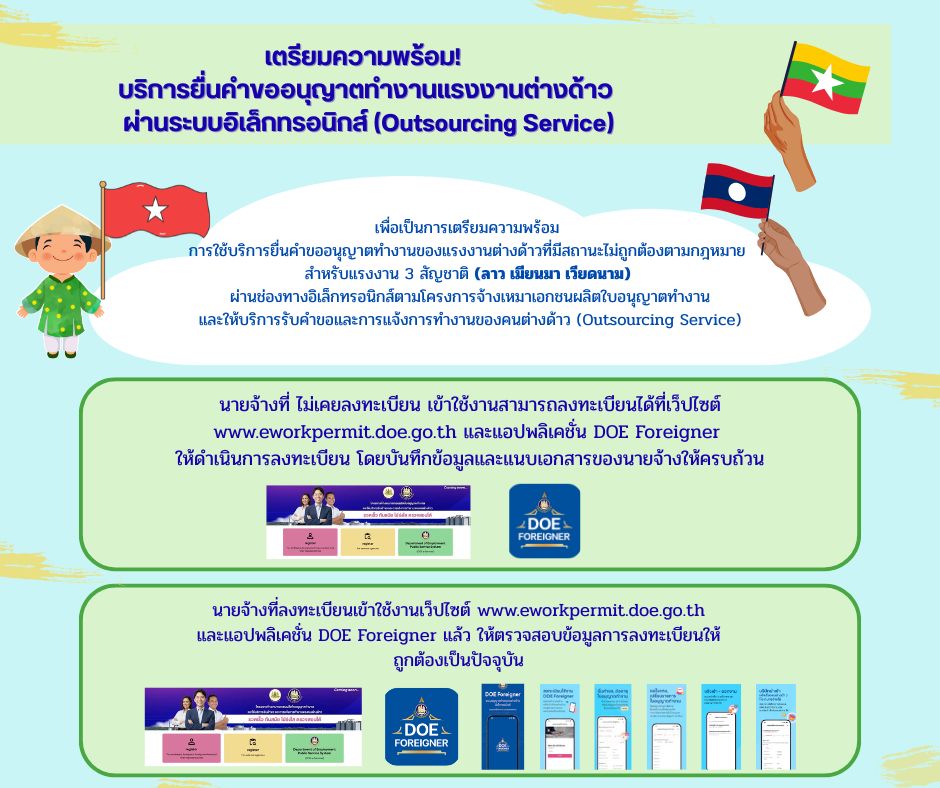
1. The employer, authorized representative, or the person in charge logs in to the website eworkpermit.doe.go.th.
2. Click on the service menu “Application for Work Permit Renewal”, then select “Application for Renewal of Work Permit for Myanmar Nationals under the Cabinet Resolution dated 8 July 2025.”
3. Select the menu “Change Items in the Name List.”
4. The system will display the foreign worker’s information. You can submit a request to change items or update employer information, and attach supporting documents for consideration.
5. The system will send documents to the applicant. These documents can be accessed under the e-Tracking menu. Then click the arrow on the right-hand side of the application order, and select the “System Acknowledgment Documents” tab.




 A Properly Registered Company
 Expertise in Processing
 Systematic Management
 A Full-Service Solution